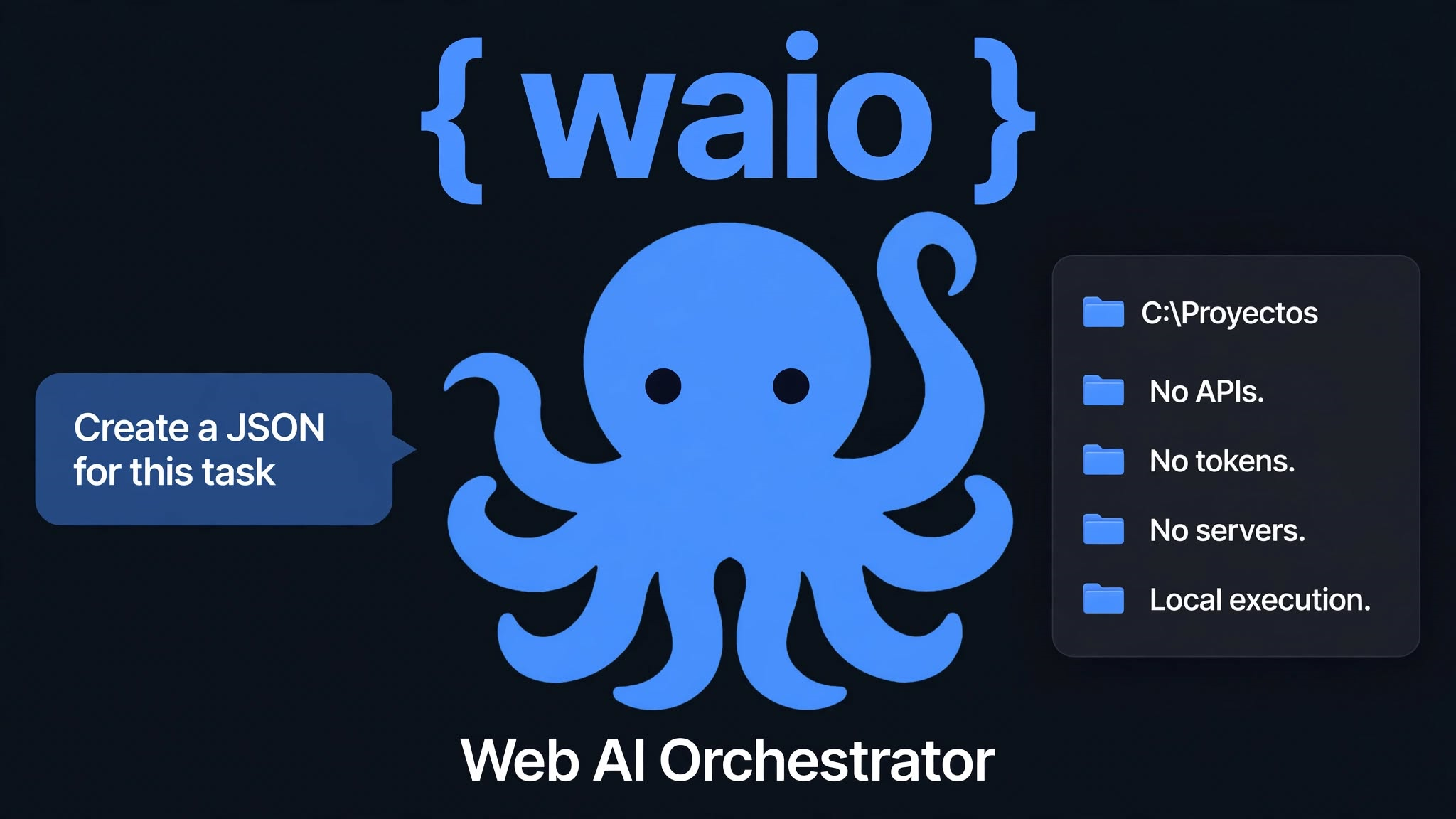
{ waio }
Give your Web AI hands.
What is WAIO?
WAIO (Web AI Orchestrator) is an open-source local engine that allows a web AI (DeepSeek, ChatGPT, Gemini, Claude) to read, organize, and execute actions on your PC. The AI generates a JSON, WAIO executes it, and returns the result. No APIs, no tokens, no cloud.
Designed to be super lightweight, it runs on older processors (like a 3rd gen Intel i3 or a 1.6 GHz Dual Core) without the need for a GPU.
Folder-based Sandbox
Unlike other agents that host their sandbox in a fixed system folder, WAIO reverses the model. Right-click on any folder (or USB drive), select "Start WAIO Here", and that folder becomes the sandbox. The only compromised documents are those in that folder. Nothing more. It's safer and more practical.
Features of v3.3
🐙 26 Audited Skills
From reading PDFs, creating Excel/Word files, compressing ZIPs to text-to-speech.
🔒 4 Security Profiles
readonly, standard, advanced, debug. With write limits and recycle bin.
⚡ Dual-Thread Engine
If a JSON is invalid or malicious, the engine doesn't hang. It processes in a queue.
🌍 Bilingual by Design
Commands with English and Linux format aliases (ls, cat, rm).
Satellite Functions
WAIO is not just an engine. It includes tools that expand its ecosystem:
- Graphic Viewer: Real-time monitoring of actions and results.
- Output Listener: Automatically copies results to the clipboard to paste into the AI.
- Transclip: Bridge for AIs that don't generate JSON (like WhatsApp), translating simple commands.
Project Structure
Installation
1. Download the waio-instalador folder from Releases.
2. Run instalar_waio.bat.
3. It is automatically created in %USERPROFILE%\.waio.
Requirements: Windows 10/11, Python 3.8+, 4GB RAM.